Label Designer · labels
Show the label before it prints
A ZPL II renderer that draws labels dot for dot using Zebra's rules, so the preview shows what the printer will print, plus a label designer your users get inside your software.
Two products, one install
Render labels, and let your users design them
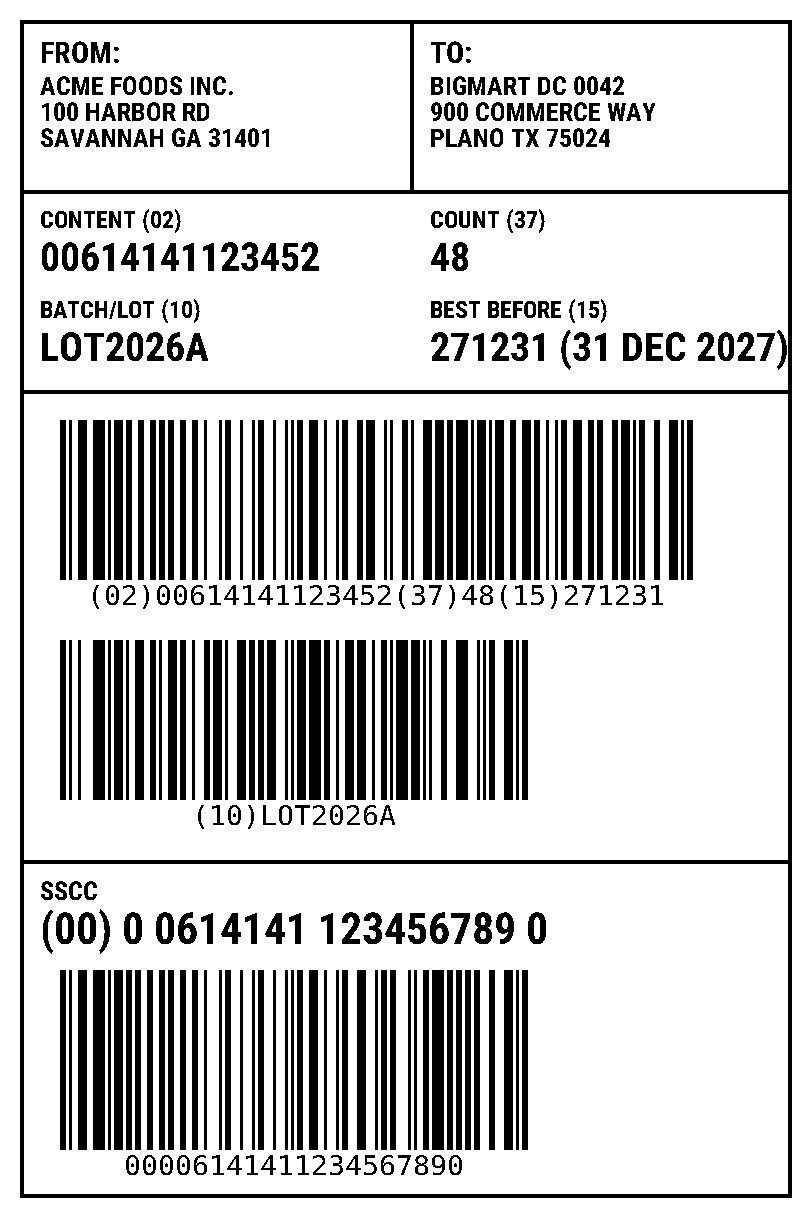
ZPL → PNG
Over HTTP from your back end, or in the browser with <zpl-viewer> and the same renderer. The same
POST-to-PNG route as Labelary, so moving existing calls is mostly a host change.
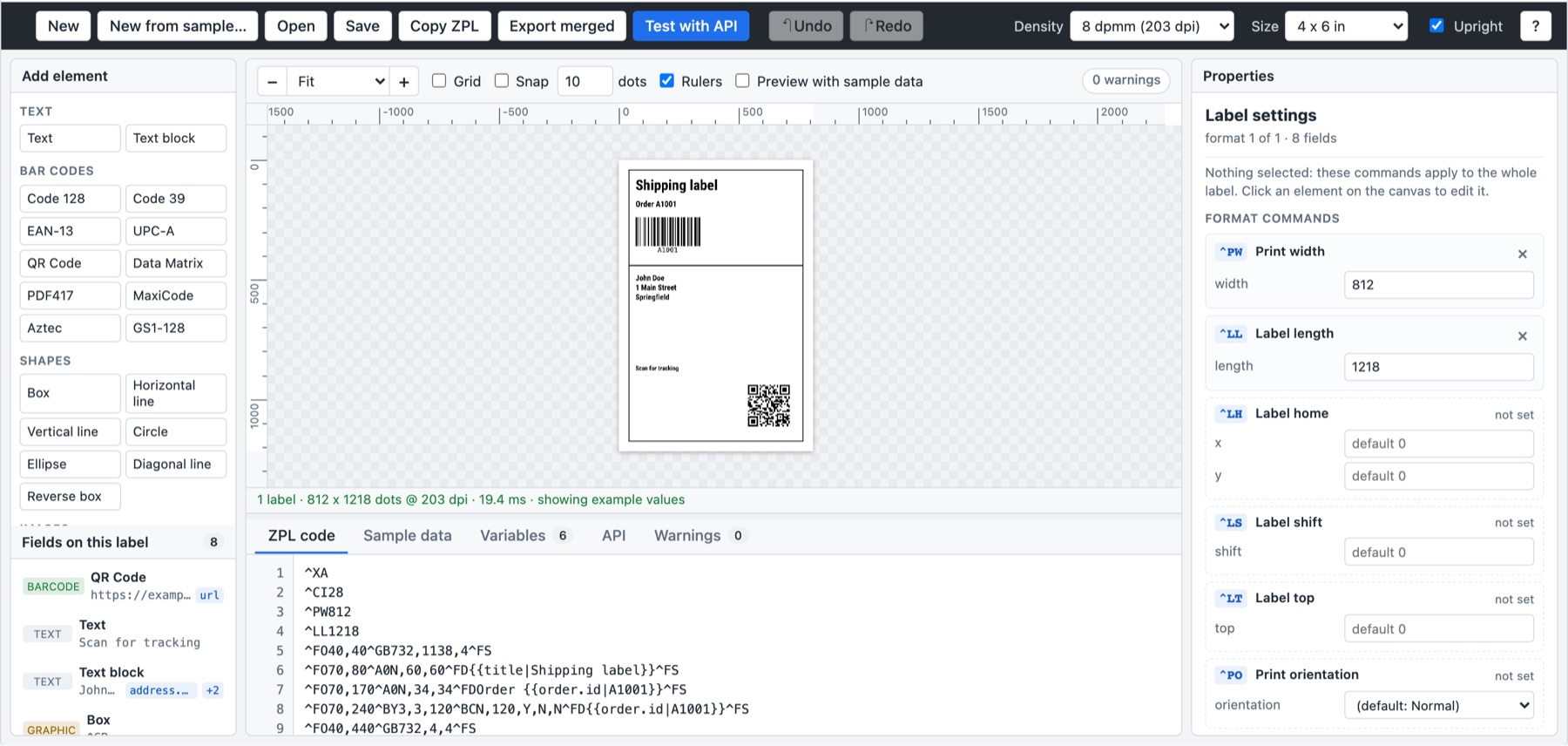
A label designer in your app
<zpl-editor>: canvas with rulers and snapping, toolbox, properties and the ZPL kept in sync. Your app
loads and saves the templates in its own database.
Use cases
What vendors build with it
Preview before printing
Show the shipping label on screen, the way the printer will print it.
Labels on orders and e-mails
Attach label images to orders, tickets or customer notifications.
User-designed templates
Customers design their own carton and pallet labels without filing a change request.
Merge and print
Fill a template with order data and send printer-ready ZPL straight to a network Zebra.
Template tests in CI
Render labels in automated tests and catch layout regressions before release.
Air-gapped sites
Runs with no internet access at all; the license key is checked locally.
What it renders
The ZPL your customers actually print
Barcodes
- Code 128
- GS1-128
- Code 39
- Code 93
- EAN / UPC
- 2 of 5
- Codabar
- DataBar
- QR
- Data Matrix
- PDF417
- MicroPDF
- Aztec
- MaxiCode
- Codablock F
- Postal
Labels
- 152, 203, 300 and 600 dpi printheads
- Any size from 0.1 to 15 inches per side
- Graphics, downloaded fonts, serialization (
^SN,^PQ) - Unknown commands warn instead of failing the render
- Barcodes are decoded by a scanner library in automated tests; positioning rules were spot-checked against Zebra ZM400 prints
- Zebra fonts are close substitutes: text widths can differ by a dot or two
Integration
An API call and an HTML element
From your back end
curl -X POST --data-binary @label.zpl \
  https://labels.your-company.example/v1/printers/8dpmm/labels/4x6/0/ \
  -o label.png
Also POST /v1/render (every label, JSON) and POST /v1/merge (template + data → ZPL). OpenAPI 3.1 included.
In your front end
<script type="module"
  src="https://labels.your-company.example/sdk/1.0.1/labelviewer-elements.min.js"></script>
<zpl-editor theme="light"></zpl-editor>
Guides for plain HTML, Angular, React, Vue and Next.js. Typed, themable with CSS tokens, works under a strict CSP.
Label Designer runs as the labelviewer service: its API, SDK and developer docs use that name.
Deployment and licensing
Deployment
- One self-contained executable: Linux, macOS, Windows
- Dockerfile included; the executable writes nothing at runtime
- Stateless: add instances to add throughput
- Label data never appears in the logs
Licensing
- Viewer and Editor licensed separately
- Offline, signed license key; nothing phones home
- Evaluation builds include a license (images marked TRIAL)
- The API has no authentication: run it inside your network
See it render your labels
Paste your own ZPL into the live demo, or ask for an evaluation license for your environment.